Intro to 3D Printing and CAD
Learn OnShape basics and print your first part over three sessions.
Overview
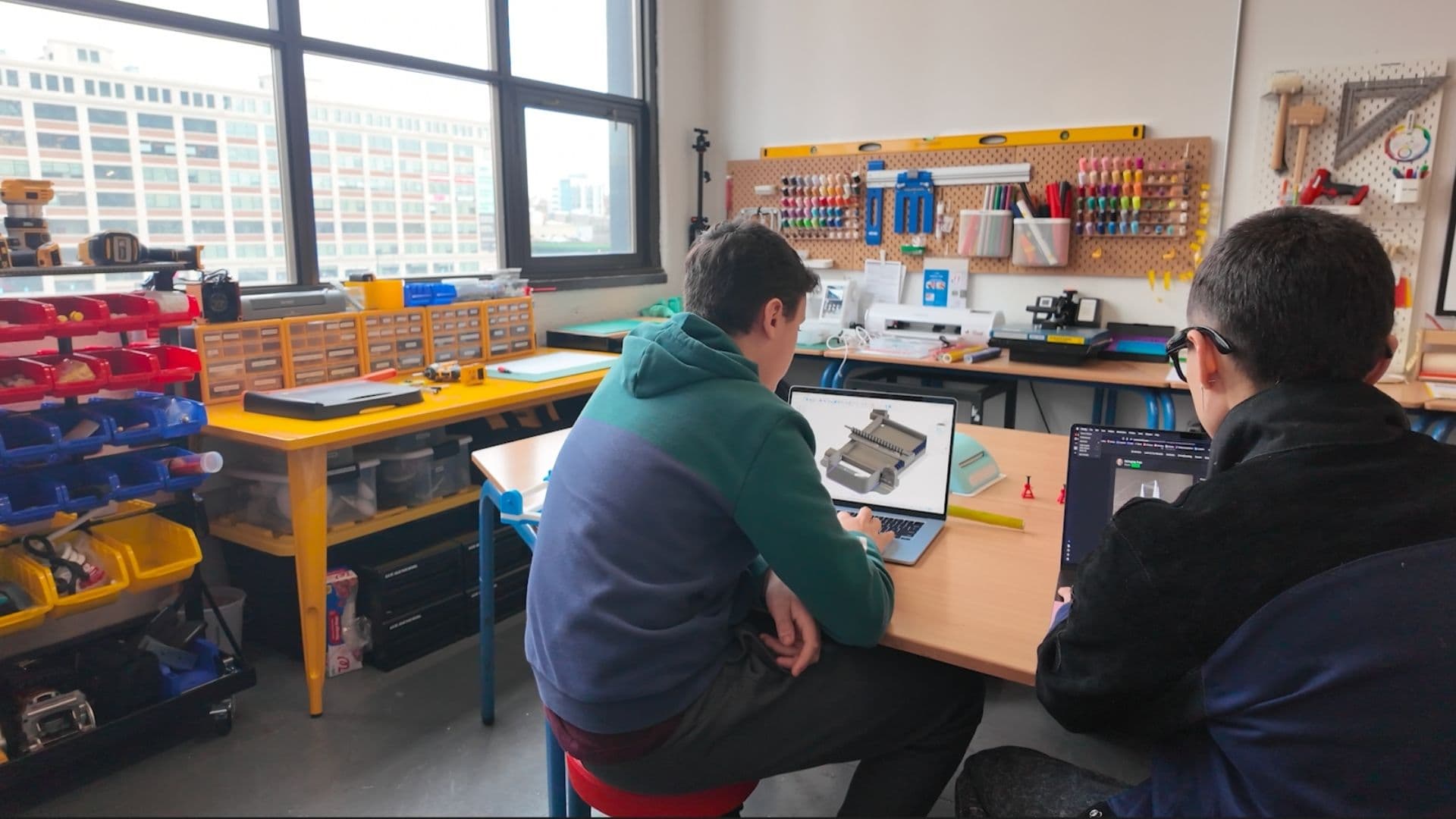
A beginner-friendly intro to CAD and 3D printing. Over three Sundays you'll learn OnShape fundamentals, design a part, and take home your first 3D print. Bring your own laptop. No previous CAD or 3D-printing experience required. Students under 18 are welcome with a parent or guardian.
Topics covered
3D Printing · Prototyping
Instructor
Ari Zade · Founder & Design Engineer
Ari runs CAD and 3D printing workshops at Desk Job — from first sketches to printed parts, meeting makers wherever they're starting from.
More about the studioAgenda
- 1.OnShape basics: sketches, dimensions, and a simple part
- 2.Model your design and prepare it for 3D printing
- 3.Slice, print, and finish your part
Tools you'll use
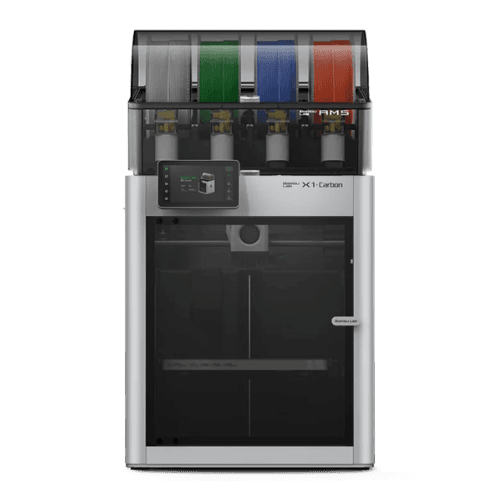
Bring your own laptop. OnShape and the 3D printers are provided.
What you'll take home
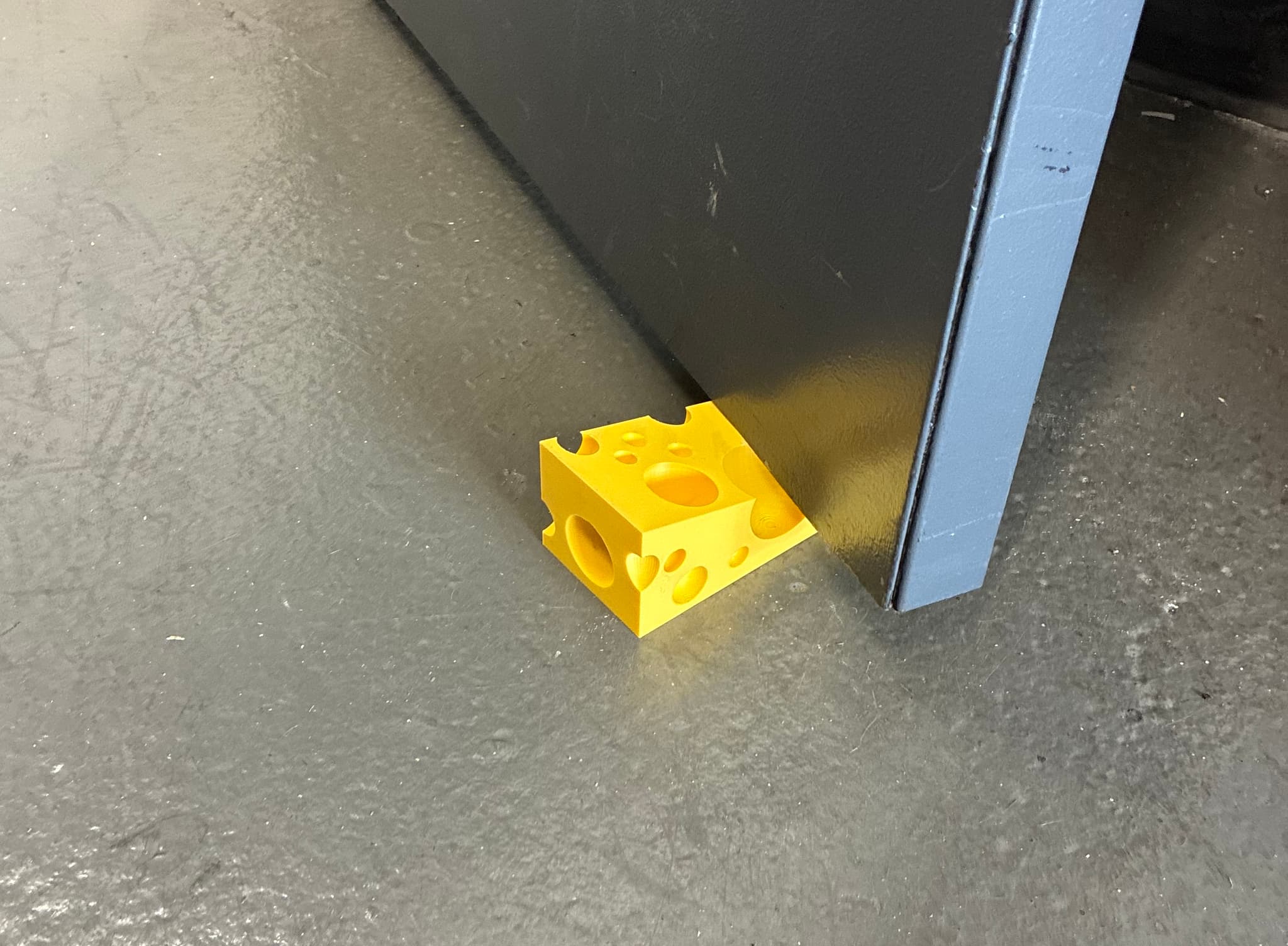
Your first 3D-printed part, designed in OnShape.